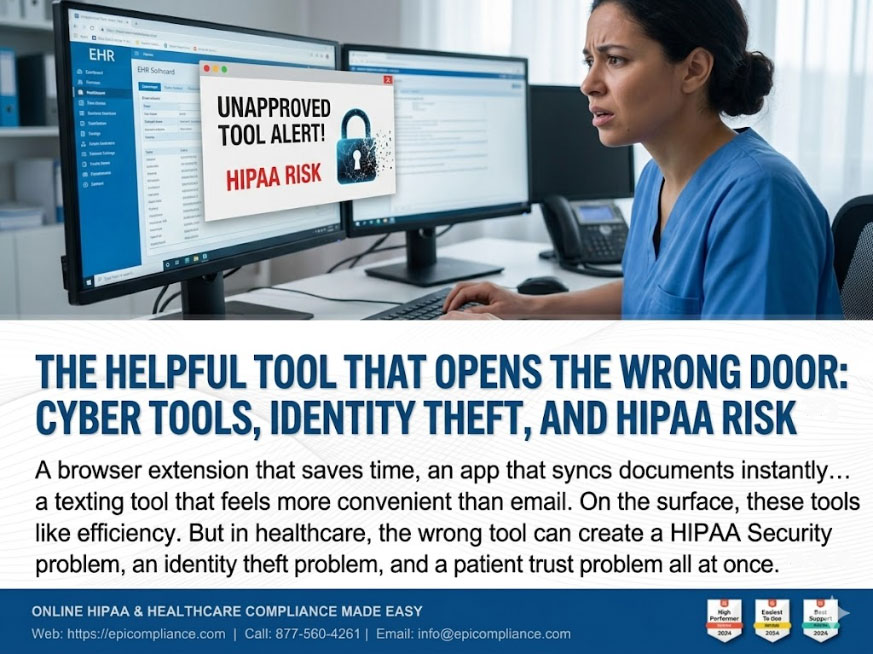
Every healthcare organization wants to work faster. That is just reality. Teams want easier scheduling, smoother messaging, quicker file sharing, better remote access, and fewer steps between a task and its completion. That is why cyber tools can feel so appealing. A browser extension that saves time, an app that syncs documents instantly, a platform that stores passwords, an AI assistant that summarizes notes, a texting tool that feels more convenient than email. On the surface, these tools look like efficiency.
But in healthcare, the wrong tool does not just create a workflow issue. It can create a HIPAA Security problem, an identity theft problem, and a patient trust problem all at once.
That is the challenge for April. Cyber tools are now part of daily operations, but every digital shortcut introduces a question: was this tool built for convenience, or was it built for security? In many cases, the biggest risk does not come from some dramatic, movie-style hacking event. It begins with something ordinary. A fake login page. A browser prompt asking to save credentials. A free file-sharing app used “just for now.” A staff member entering information into a tool that looks professional but has no real safeguards behind it.
And once that information is captured, identity theft is not far behind.
Why This Matters More Than It Seems
In a busy practice, cyber tools are easy to normalize. They are part of the background. Staff use email, cloud drives, shared documents, remote logins, mobile devices, portals, payment tools, communication apps, and vendor platforms all day long. It is easy to assume that if something is common, it must be safe.
That assumption is where organizations get into trouble.
A weak or unapproved tool can become the digital version of propping open a secure door. If a cybercriminal gets access to one employee’s login, that access may lead to email, billing records, patient communications, scheduling systems, or electronic protected health information. If the same compromised information includes personal identifiers such as names, dates of birth, insurance information, employee credentials, or tax-related details, identity theft becomes a very real possibility.
This is why the “why” matters. HIPAA Security is not just about rules for the sake of rules. It protects the trust that makes healthcare possible. Patients hand over some of the most personal information they have. They assume it will be treated carefully. When that trust is broken, the damage is not limited to fines or investigations. It affects reputation, operations, and confidence in the organization itself.
Real-world breaches often begin with simple failures like credential reuse, weak authentication, or misuse of tools, and the financial consequences can be significant, with penalties sometimes exceeding $100,000.
The Real Problem with “Helpful” Technology
Not every cyber tool is dangerous. The issue is not technology itself. The issue is uncontrolled technology.
A healthcare manager might think the concern is limited to major IT systems, but many risks come from the smaller, informal tools that creep into daily work:
- A staff member installs a browser extension without approval
- A manager shares files through a consumer cloud account
- A team member stores passwords in an unsecured note app
- Someone responds to a text asking them to verify a work login
- A free AI or transcription tool is used without understanding what data it retains
- An employee reuses a personal password for a work platform
These are not rare situations. They happen because people are busy, trying to solve immediate problems. That is exactly why healthcare organizations need structure around them.
Identity theft adds another layer of risk. Once personal or organizational credentials are stolen, attackers can impersonate staff, gain access to systems, redirect payroll, open fraudulent accounts, or move laterally through connected platforms. In other words, one “small” cyber tool mistake can lead to a much larger operational event.
What Healthcare Managers Should Watch For
Managers do not need to become cybersecurity engineers. But they do need to know where the weak points usually appear.
-
Unapproved Tools
If a tool has not been reviewed, approved, or integrated into your organization’s process, it should not be handling patient or business-sensitive information. Convenience is not a security standard.
-
Credential Reuse
This remains one of the most common and preventable risks. If one password is reused across email, EHR access, HR systems, or cloud platforms, a single compromise can unlock multiple doors.
-
Fake Login Prompts and Phishing
Identity theft often starts with deception, not force. Staff may receive realistic emails or texts asking them to verify access, update credentials, or re-enter information into what appears to be a trusted portal.
-
Personal Information Exposure
Identity theft is not limited to patients. Employee information matters too. Payroll data, tax forms, account credentials, and internal directories can all become targets.
-
Silence After a Mistake
Many incidents get worse because someone hesitated to report a suspicious click, login, or tool. Delay gives attackers more time and reduces the organization’s ability to contain the problem quickly.
Operational Tips for Managers
The goal is not to create paranoia. It is to create consistency.
Practical Takeaway 1: Review Your Tool Environment
Walk through the tools your staff actually use, not just the ones leadership assumes they use. Ask:
- Are any teams relying on unapproved apps, extensions, or storage platforms?
- Are staff using personal devices or accounts for work tasks?
- Do any tools collect more information than necessary?
This is often where “shadow IT” shows up.
Practical Takeaway 2: Tighten Authentication Habits
Make sure staff understand three basic rules:
- Use unique passwords for every work system
- Enable multi-factor authentication wherever possible
- Never enter work credentials into unfamiliar prompts, links, or pop-ups
If staff remember nothing else, these habits alone reduce major exposure.
Practical Takeaway 3: Normalize Fast Reporting
Create a culture where people report the “maybe” moments:
- “I clicked a strange link”
- “This login page looked odd”
- “I uploaded something to the wrong place”
- “A tool asked for permissions I did not expect”
That kind of reporting should be treated as responsible, not embarrassing.
A Quick Manager’s Checklist
Use this as a practical review point for your team this month:
- Confirm which cyber tools are approved for work use
- Identify any unapproved apps, browser add-ons, or file-sharing workarounds
- Require unique passwords and MFA for critical systems
- Remind staff not to trust urgent login reset emails or texts automatically
- Review how employee and patient identifiers are stored and shared
- Make incident reporting immediate and easy
- Document concerns, even if they turn out to be false alarms
A good rule of thumb is simple: if a tool has not been reviewed, it should not be trusted with patient information, employee credentials, or business-sensitive data.
The Bigger Operational Lesson
Healthcare leaders are under constant pressure to improve efficiency, reduce friction, and keep operations moving. That pressure is real. But security problems often begin when efficiency is pursued without boundaries.
That is why cyber tools and identity theft belong in the same conversation. One is often the pathway, and the other is the consequence.
The strongest organizations are not the ones that ban every tool. They are the ones that know which tools support the mission safely, which ones create unnecessary risk, and how to train staff to tell the difference. That is the operational mindset HIPAA Security requires.
How Structured Support Helps
HIPAA security shouldn't be a burden, but a blueprint for resilient practice. EPICompliance provides a centralized platform for managing training, policy templates, and automated task lists, keeping your team organized and audit-ready. When you need to align these tools with your specific operations, Taino Consultants provides expert guidance to help you navigate the Security Risk Assessment (SRA) process and right-size your risk management plan.
Take the next step
Current Users: Log in to review your monthly security reminders, compliance tasks, and ensure your documentation reflects your current workflows.
New to Us? Discover how our combined tools and guidance reduce uncertainty and build a culture of compliance.
Visit EPICompliance • Consult with Taino